Major Update: Upload ZIP Folders with Embroidery Files – No Unzipping Required
Never unzip ZIP folders again: With emborado’s new upload feature, you can upload embroidery files directly as ZIP files – complete with previews and automatic extraction.
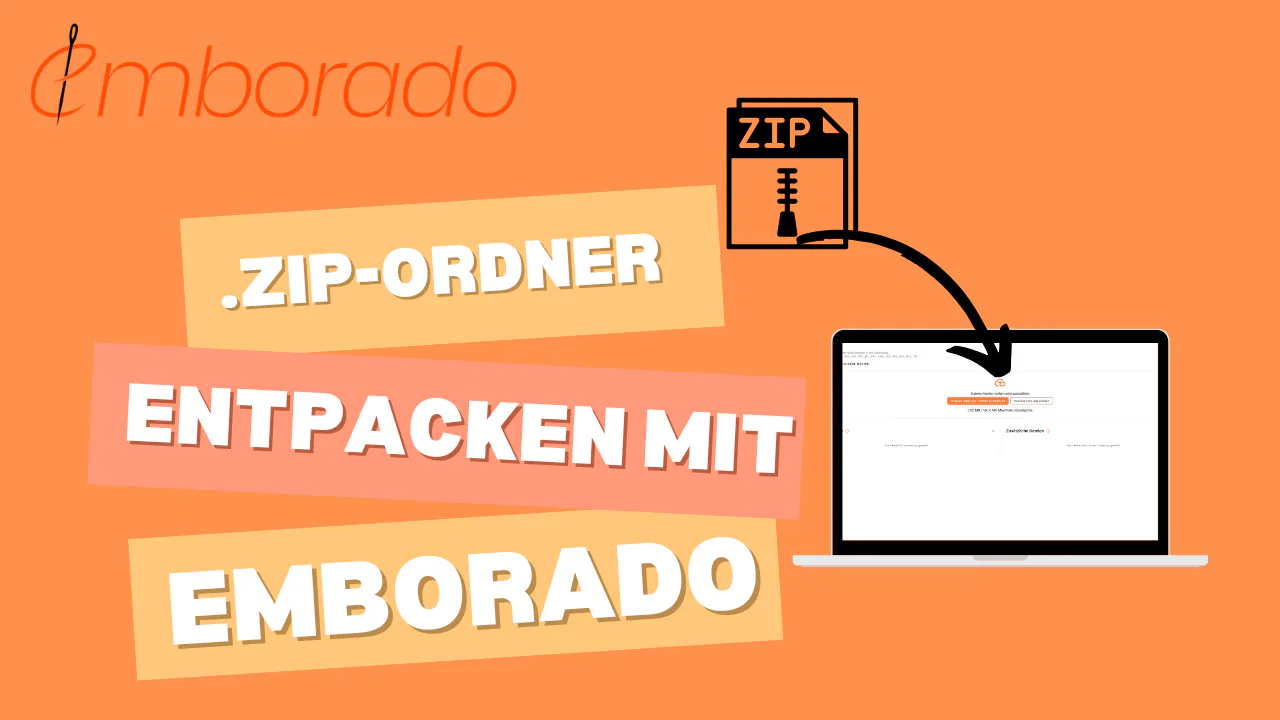
Major update at emborado: ZIP uploads, automatic extraction & live previews during upload
Many embroidery designs are delivered as ZIP folders — sometimes dozens at once.
Until now, this usually meant:
❌ download the ZIP
❌ unzip it manually
❌ sort everything
❌ figure out which file belongs to which design
❌ upload everything individually to emborado
❌ or even worse: manage everything manually on your computer
This was time-consuming, frustrating, and honestly: unnecessarily complicated.
✨ With our new update, all of that is now history.
emborado can now automatically extract, analyze, and prepare ZIP folders.
You simply upload them — and the rest happens automatically.
This update makes uploading embroidery files easier than ever.
Here’s how it works, step by step.
Why ZIP folders are such a problem for embroidery files
In the embroidery world, files are almost always delivered as ZIP archives — for good reasons:
- multiple formats (DST, PES, EXP, JEF …) in one package
- different hoop sizes
- color variations
- instructions (PDF), images
- sometimes complete design sets
But for users, this causes a common problem:
- You only know what’s inside after unzipping
- Operating systems cannot display embroidery files as previews
- Chaos, duplicates, and endless nested folders quickly accumulate
Many users have hundreds of ZIP — with zero overview.
This is exactly where our update steps in.
What’s new?
1. Upload ZIP files without unzipping – fully automatic
You can now drag & drop your ZIP folders into the upload field in emborado (or select them normally).
emborado then takes care of everything:
- extract the ZIP
- pull out all embroidery files
- automatically flatten folder structures
- detect and assign additional files (PDF, JPG, PNG)
- show all contents live before saving
You never have to sort a ZIP manually again.
2. Live preview of all designs – during the upload
As soon as the upload starts, you immediately see previews of all contained embroidery files.
This means:
- you instantly recognize which designs are inside the ZIP
- no additional software needed to view the files
- you can add metadata (tags, designer, etc.) before saving
Step-by-step: How to upload embroidery designs from a ZIP folder
1. Select your ZIP file
Go to your design library and click Upload.
Choose your ZIP file — or simply drag & drop it into the window.
2. Review the live preview
emborado displays:
- previews
- contained file formats
- hoop sizes
- additional files
If needed, you can immediately add tags or designer information.
3. Save — and you’re done
One click — and the ZIP is fully processed.
Uploading embroidery designs has never been faster.
If the archive contains several independent designs, review the automatically created file groups during bulk upload. emborado can also highlight files already in your library with content-based duplicate detection.
🎉 Conclusion: No more ZIP chaos for embroidery files
This update makes managing large embroidery libraries easier than ever:
✅ upload ZIP folders directly
✅ automatic extraction
✅ live previews of all designs
✅ smart assignment of all included files
👉 Try the new ZIP upload feature now at app.emborado.de.
We’d love to hear your feedback — especially if you work with lots of ZIP archives.